
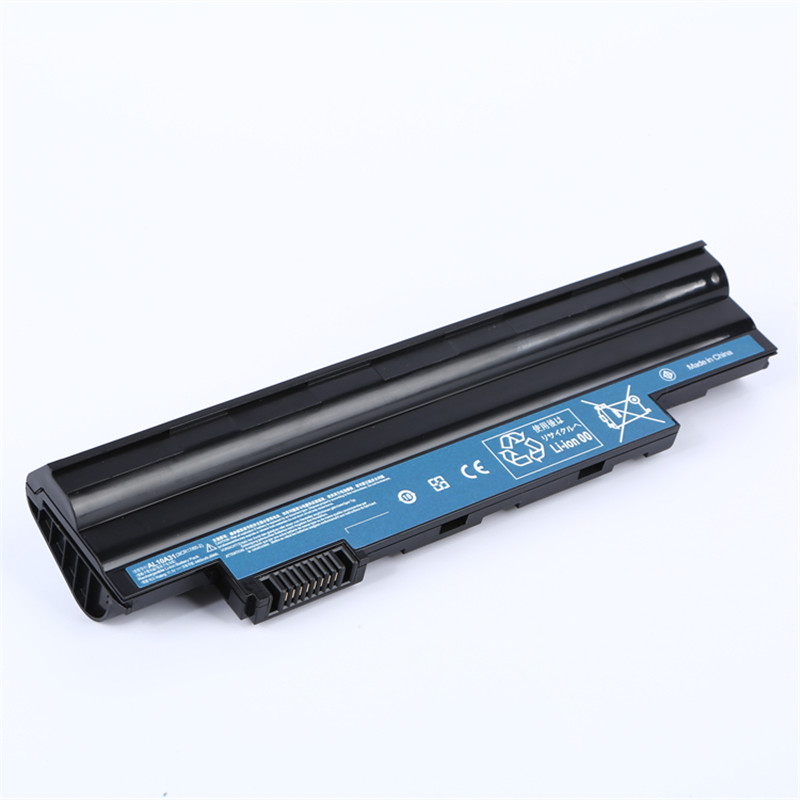
Factory wholesale Changing Battery In Key Fob - Laptop Battery for Acer AL10A31 D255 D260 series Replacement Battery – Damet
Factory wholesale Changing Battery In Key Fob - Laptop Battery for Acer AL10A31 D255 D260 series Replacement Battery – Damet Detail:
Products Description
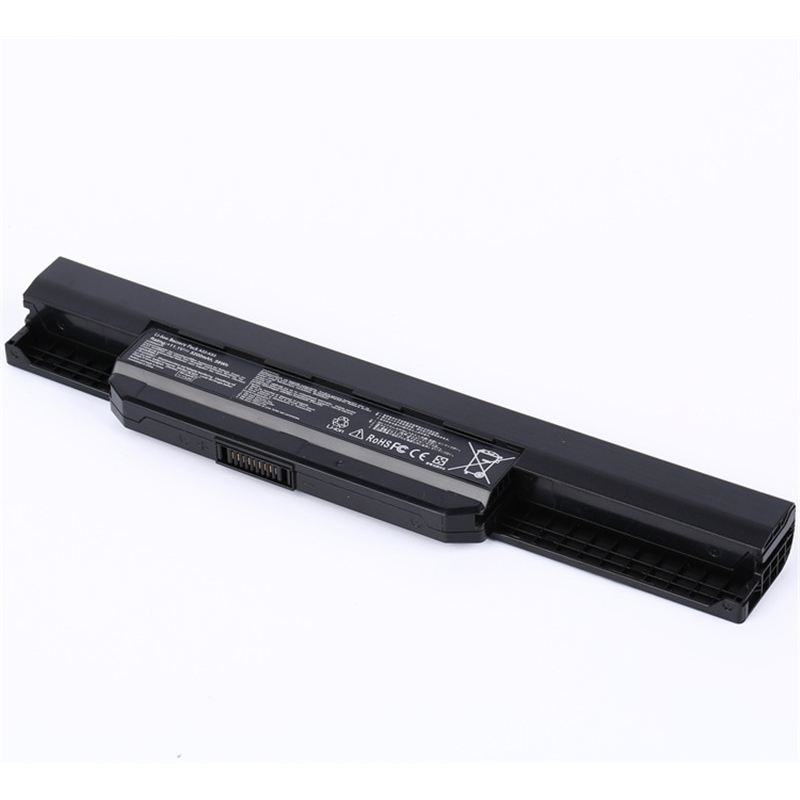
Model Number:AL10A31
Use:LAPTOP, Notebook
Type:Standard Battery, lithium, Rechargeable Battery, Battery Pack
Compatible Brand:For Acer
Voltage:11.1V
Capacity:49Wh/4400mAh
Number of Battery Cells:6
Application
Replacement Part Numbers: (Ctrl + F for fast search your laptop part numbers)
For ACER:
AK.003BT.071 AK.006BT.074 AL10A31
AL10B31 AL10G31 BT.00603.114
BT.00603.121 LC.BTP00.128 LC.BTP00.129
Compatible with models: (Ctrl + F for fast search your laptop model)
Gateway
LT2803c, LT4004u series, LT4009u series, LT40 series, LT4008u series,
LT2802c, LT28 Series, LT2808c, LT2804c, LT25 Series, LT2805c, LT2810c, LT2809c, LT27 Series,
LT2525u, LT2318u, LT2321u, LT2315u, LT2805u, LT23 Series,
Aspire One 522-BZ436 etc.
Features
a. Efficient and reliable performance
b. Use Grade A battery
c. Passed FCC/CE/RoHS certification
d. More charge cycles
e. Durable performance
f. Efficient capacity, long-lasting work
Note
1 Do not modify or disassemble it.
2 Do not incinerate or expose to excessive heat, which may result in an exposure.
3 Do not expose boo to water or other moist/wet substances.
4 Avoid piercing, hitting, crushing or any abuse use of the battery.
5 Do not forget to take away your battery from the device if you will not use it for a long time.
6 Avoid short circuit of the terminals by keeping your original battery pack away from metal objects such as necklaces or hairpins.
FAQ
Q: How do I select the right replacement battery for my laptop?
A: First of all, you need to assure the model of your laptop or the part number of your laptop battery. you’d better look at our battery from our pictures
and check if it is the same as your original one,If you don’t know how to find the right battery for your laptop, please press Windows+R,type”msinfo32″
then click ok,then you can find “System Model” in the pop-up window. Moreover,you can click the icon “contact seller” on the right of this page to ask us.
Q: How to charge the Acer D255 laptop battery properly?
A: You should charge the replacement battery for Acer D255 laptop before the battery exhaustively discharged, otherwise it will shorten its life. It is feasible
to charge the laptop battery before the power is less than 20%. Meanwhile, the battery should be charged in a dry place, and please pay attention to high
temperature, which is the biggest threat to battery life.
Q: How to deal with the replacement battery for Acer D255 when you won’t use for a long time?
A: If you let your Acer D255 laptop battery lay idle for a long time, please charge the laptop battery or discharge to about 40%, and then put it in a dry and
cool place to save. Indoor temperature is best maintained at 15 to 25 degrees Celsius because the temperature is easy to accelerate the battery aging either
too high or too low. You’d better fully charge and discharge the battery at least once a month. Finally please save it in accordance with the above method.
Q: How to replace your Acer D255 Laptop Battery?
1: Turn off your Acer D255 laptop and disconnect the AC adapter.
2: Release the latch or other attachment devices that hold your battery in place.
3: Slide the old battery out of its compartment or storage bay
4: Take the replacement battery for Acer D255 laptop out of the box.
5: Slide it into the notch or bay.
6: Close the safety latch to lock it into place.
7: Reconnect the AC adapter and give the new battery for your Acer D255 notebook a full charge.
Product detail pictures:
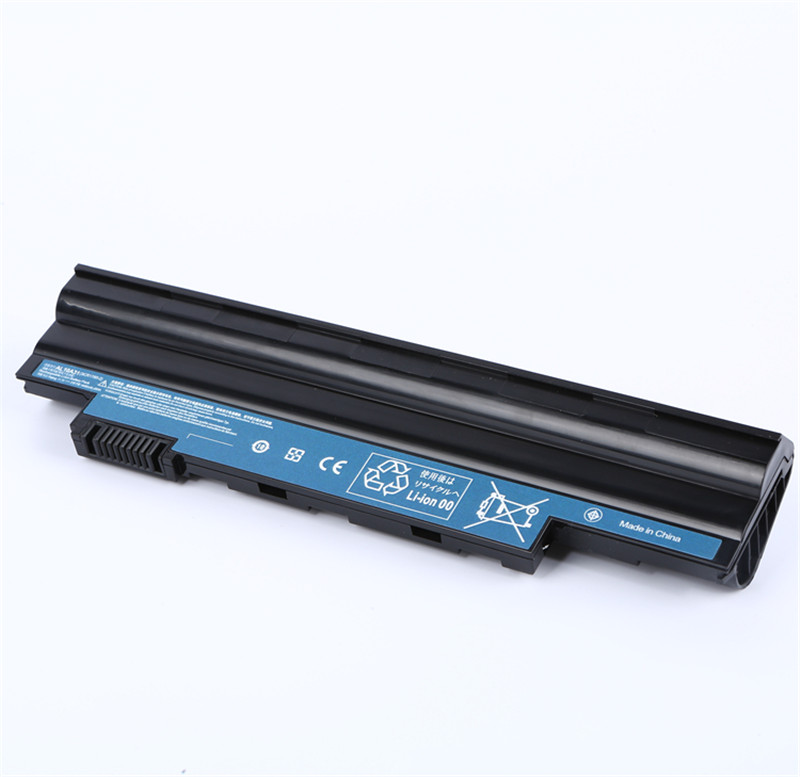

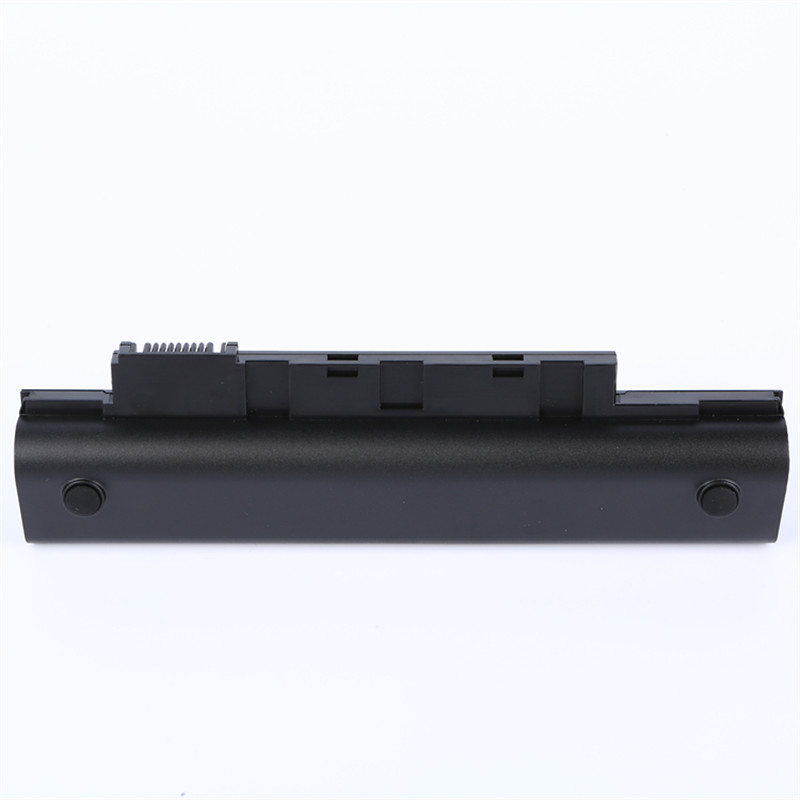
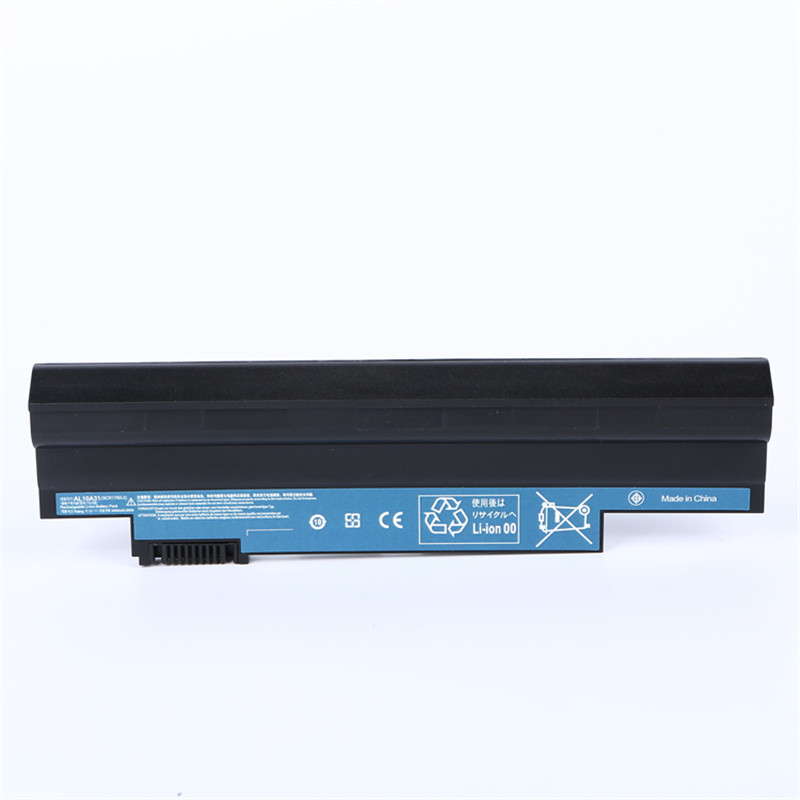


Related Product Guide:
We enjoy an extremely good status among our prospects for our great merchandise top quality, competitive price and the ideal service for Factory wholesale Changing Battery In Key Fob - Laptop Battery for Acer AL10A31 D255 D260 series Replacement Battery – Damet , The product will supply to all over the world, such as: Belgium, France, Rio de Janeiro, We are seeking the chances to meet all the friends from both at home and abroad for the win-win cooperation. We sincerely hope to have long-term cooperation with all of you on the bases of mutual benefit and common development.
 By Diana from Anguilla - 2017.01.28 19:59
The sales manager has a good English level and skilled professional knowledge, we have a good communication. He is a warm and cheerful man, we have a pleasant cooperation and we became very good friends in private.
By Heather from Greek - 2018.12.22 12:52